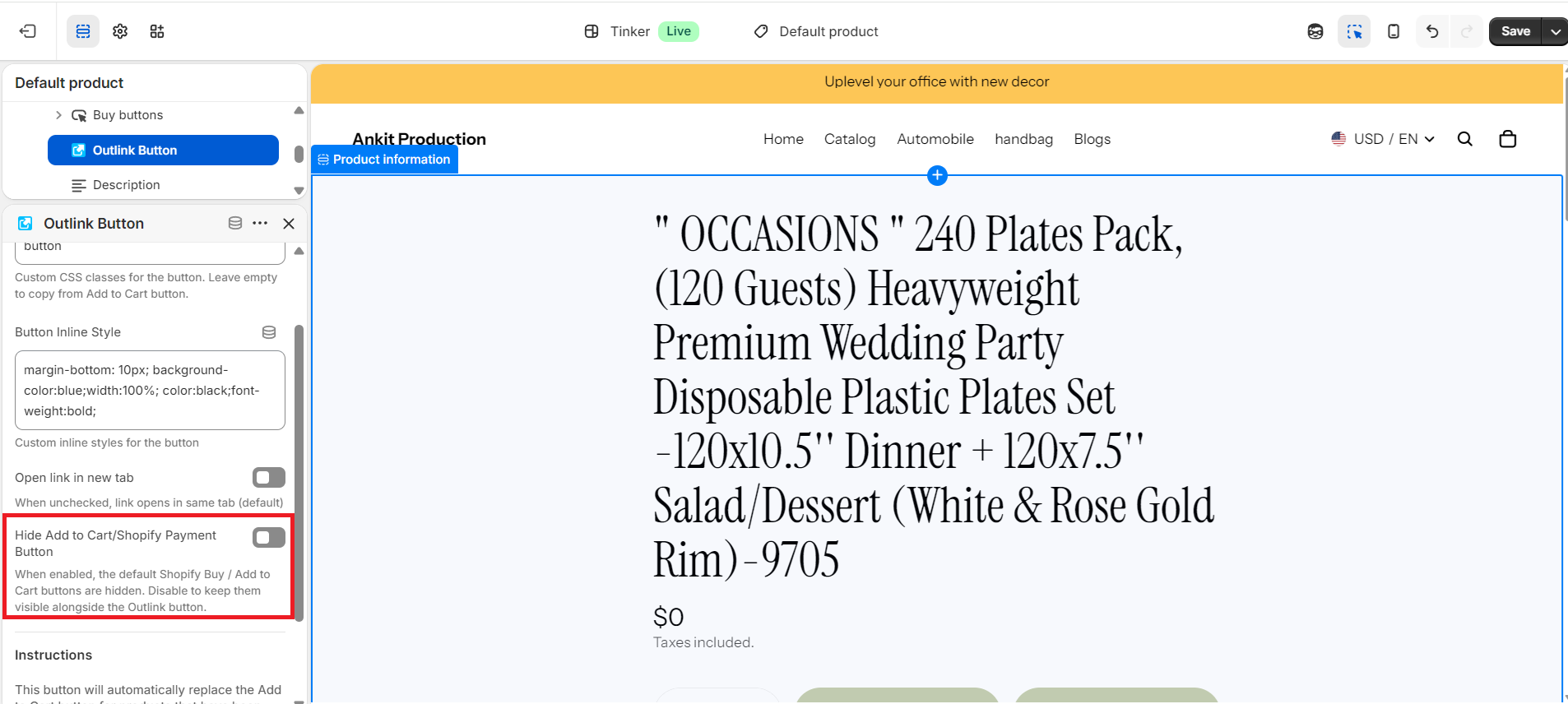
Yes. Outlink gives you the flexibility to display both the Add to Cart button and the Outlink button on the same product page.
How to Enable Both Buttons
- Open your Shopify Admin and go to Online Store → Themes → Customize.
- Open the Product template where the Outlink app block is added.
- Select the Outlink App Block.
- Turn OFF the Hide Add to Cart/Shopify Payment Button option.
- Click Save.
Both the Add to Cart button and the Outlink button will now be displayed on the product page.