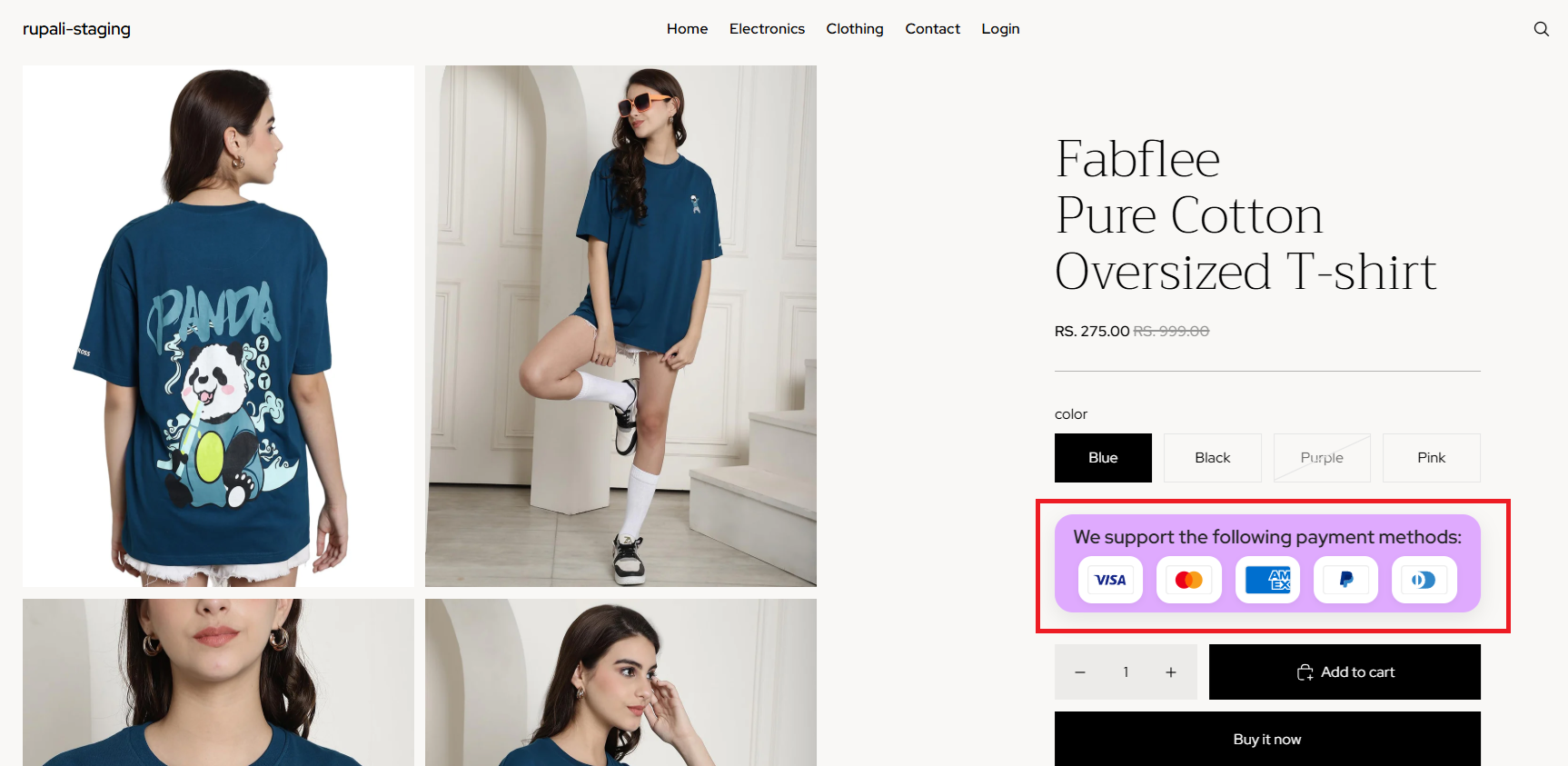
The Payment Icons Block automatically displays the payment methods supported by your Shopify store. When added through the Shopify Theme Editor, it fetches your active payment providers and displays the corresponding payment icons on your storefront.
Showing familiar payment methods helps reassure customers and builds confidence before they complete their purchase.
Benefits
- Automatically display your store's supported payment methods
- Build trust with recognised and secure payment icons
- Reassure customers during their purchasing journey
- Give your product pages a clean, professional appearance
- Syncs with your active Shopify payment settings
How it works?
The block automatically detects your store’s active payment providers and displays the corresponding icons. No manual setup is needed.
Step 1: Add the block
- Go to your Shopify admin → Online Store → Customize.
- Open the Product template
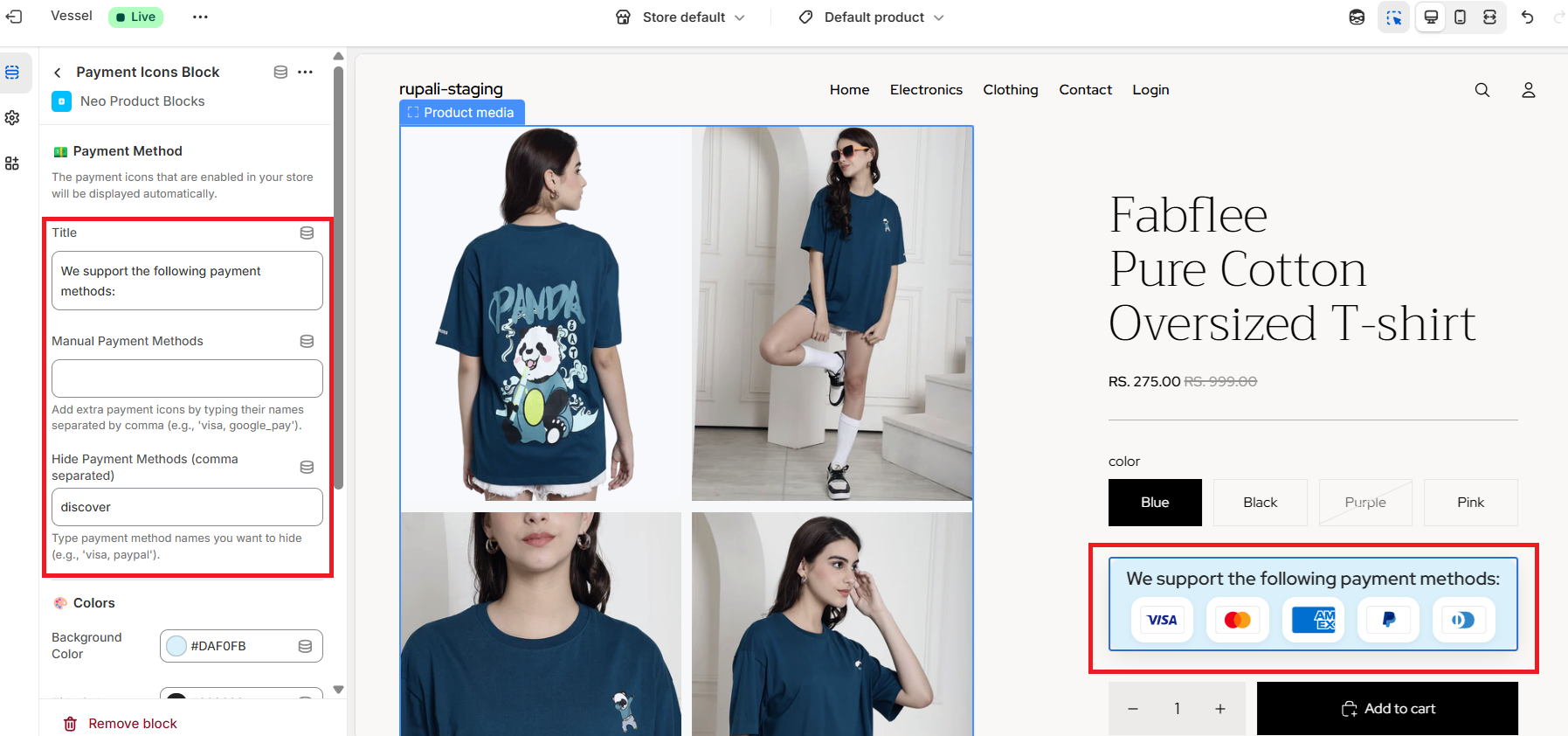
- Click Add block and select Neo – Payment Icons Block.
- Place it wherever you’d like on the page (e.g., below the Add to Cart button or in the footer).
Note: You can choose to hide any active payment options or display unsupported ones by simply entering the payment option name in the block settings.
You can find the list of Supported payment options here
Step 2: Style the block
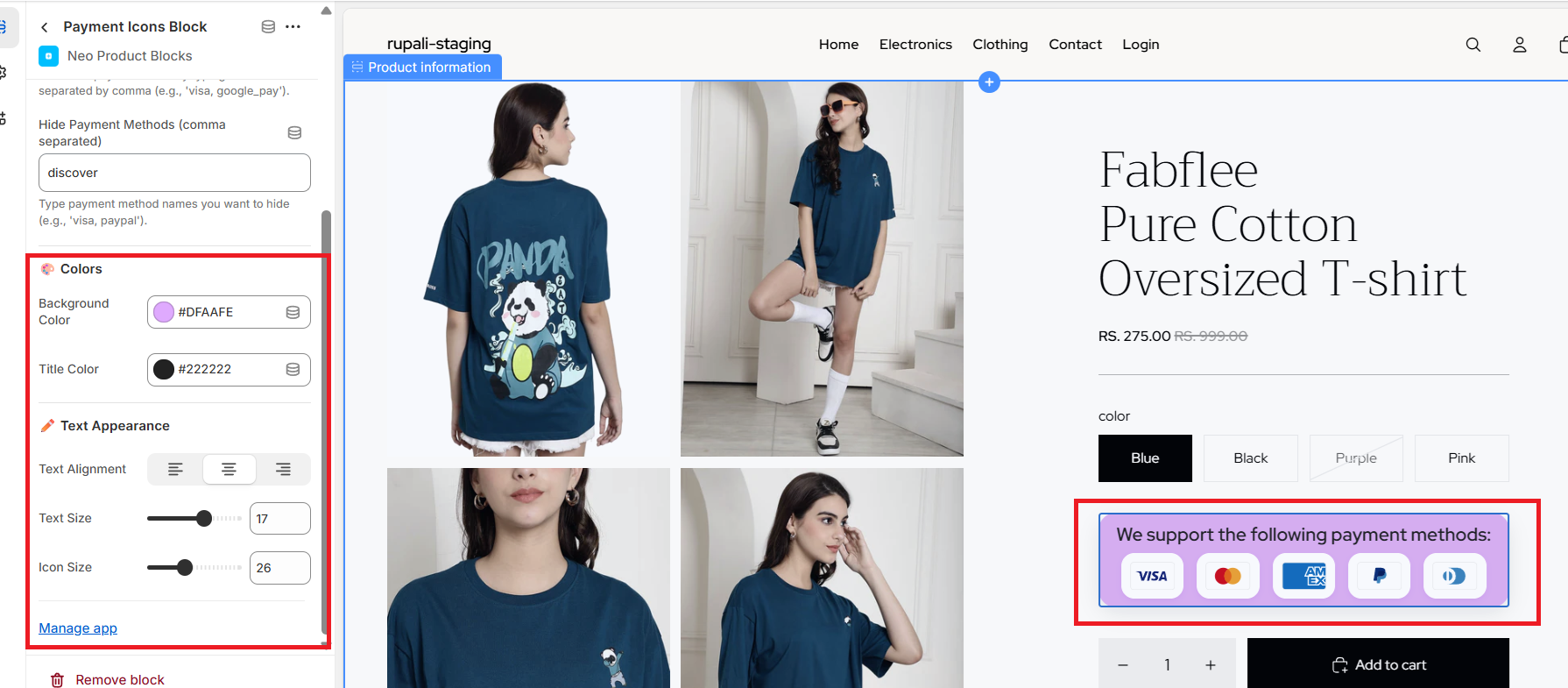
- Adjust icon size and alignment for best visibility.
- Customize the background color or heading text size to match your theme design.
Step 3: Save changes
- Once you’re satisfied with the placement and styling, click Save.
- The block will automatically fetch and display your store’s active payment providers.
Sample Preview Block :